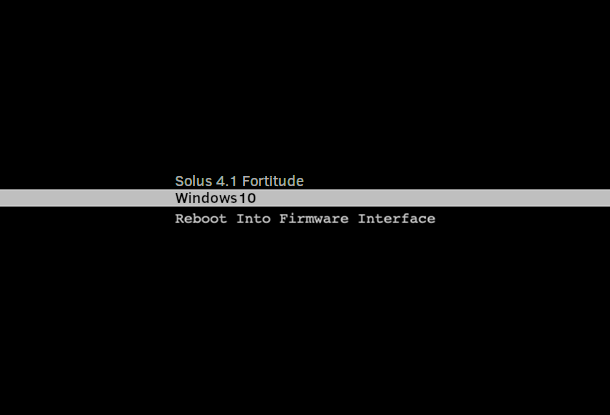
As an alternative, you can reboot from Linux to windows directly (bypassing the motherboard boot menu) by using this command.
sudo efibootmgr --bootnext $(efibootmgr | grep Windows | tail -n1 | cut -d' ' -f1 | cut -d't' -f2 | sed s/.$//) && reboot
You can set an alias for it, eg reboot-windows.
If you want to add this as a shortcut to system menu, you could also make a file named eg reboot-windows.sh, make it executable, and add the shortcut for it using menulibre (in the screenshot).
This is what the contents of this file would look like:
#!/bin/bash
sudo efibootmgr --bootnext $(efibootmgr | grep Windows | tail -n1 | cut -d' ' -f1 | cut -d't' -f2 | sed s/.$//) && reboot