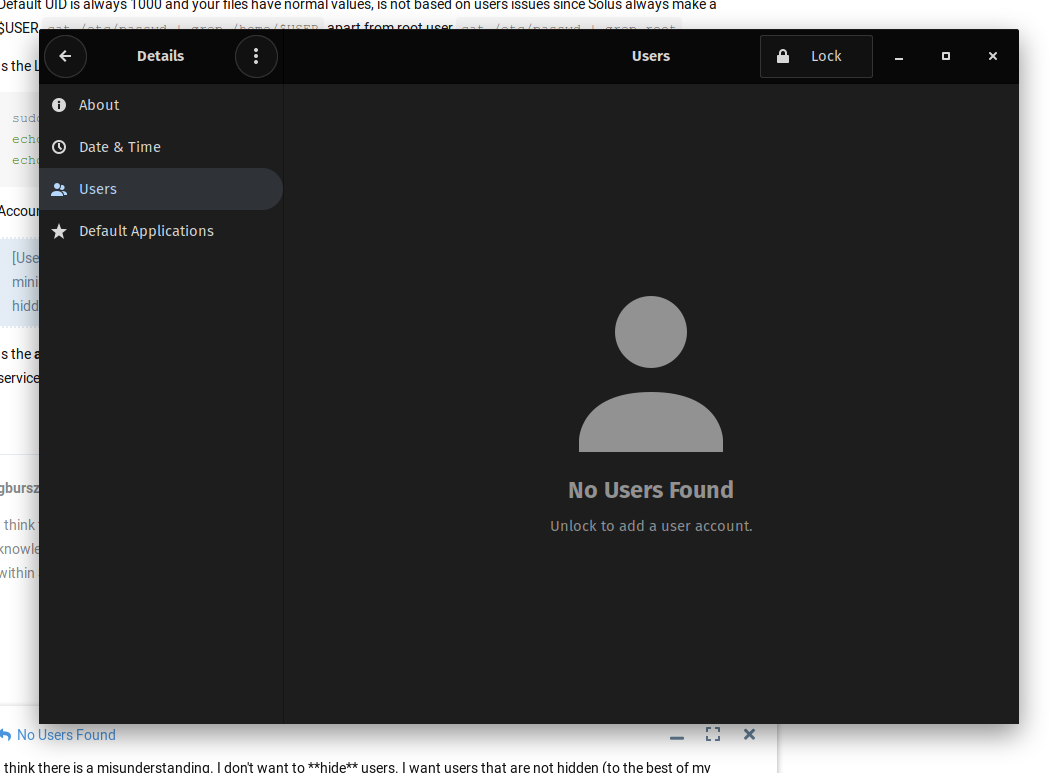
You dont need your user to get shown at User Accounts for that, hiding users is to stop LightDM asking for usernames each time you login.
I need to type login and set the preferred desktop environment manually each time I boot my computer up
And the ~/.drmc file stores the default session info
[Desktop]
Session=budgie-desktop
In my case the AccountsService file store
[User]
Session=budgie-desktop
XSession=budgie-desktop
SystemAccount=false
Im telling the system to always load Budgie DE by default and disable SystemAccount because LightDM will start using AccounsService files instead of LightDM ones, to stop AccountService overwriting SystemAccount=false you have to mask the service accounts-daemon.service
Is the accounts-daemon.service who reset the /var/lib/AccountsService/users/$USER file
You can always reset software if is malfunctioning or repair it:
Check configs: eopkg check --config lightdm accountsservice
Reinstall it: sudo eopkg it --reinstall lightdm accountsservice
Repair broken: sudo eopkg check | grep Broken | awk '{print $4}' | xargs sudo eopkg it --reinstall