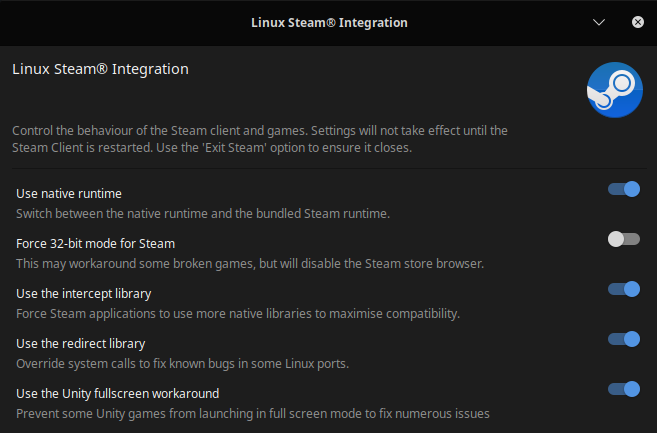
lazyf3 I'm no expert, but maybe a couple settings inside Steam might be the culprit? So you said you have the drives mounted to a "home" file. Does this mean that these are external drives you are plugging in and mounting to your home directory? Or are these internal drives you're mounting? If they're external it could be that Steam isn't seeing the location because of where it's looking for your Steam Library. That's a setting in Steam to check.
Also, it's possible that your "appmanifest__#######.acf" files could be absent or providing incorrect information. Check your ".steam" file (for me it's located under /home/.steam but with your installation it might be different on a diff drive depending where you installed Steam) under /home/.steam/steam/steamapps and take a look at your "appmanifest_######.acf" files. These files dictate to Steam which applications are currently installed. You can open them up in your favorite text editor and make sure they're pointing to the right locations of your game files. Here's an example for CSGO:
"AppState"

{

	"appid"		"730"

	"Universe"		"1"

	"name"		"Counter-Strike: Global Offensive"

	"StateFlags"		"4"

	"installdir"		"Counter-Strike Global Offensive"

	"LastUpdated"		"1597075672"

	"UpdateResult"		"0"

	"SizeOnDisk"		"23386482553"

	"buildid"		"5382072"

	"LastOwner"		"76561197964255187"

	"BytesToDownload"		"363766352"

	"BytesDownloaded"		"363766352"

	"AutoUpdateBehavior"		"0"

	"AllowOtherDownloadsWhileRunning"		"0"

	"ScheduledAutoUpdate"		"0"

	"InstalledDepots"

	{

		"731"

		{

			"manifest"		"2363008487121340044"

		}

		"734"

		{

			"manifest"		"1082586337195390762"

		}

		"735"

		{

			"manifest"		"3867231304834558645"

		}

	}

	"MountedDepots"

	{

		"731"		"2363008487121340044"

		"734"		"1082586337195390762"

		"735"		"3867231304834558645"

	}

	"UserConfig"

	{

		"language"		"english"

	}

}
I hope that helps.