npx
For appimages, use the official appimagetool: https://github.com/AppImage/appimaged/releases
It's an appimage itself:
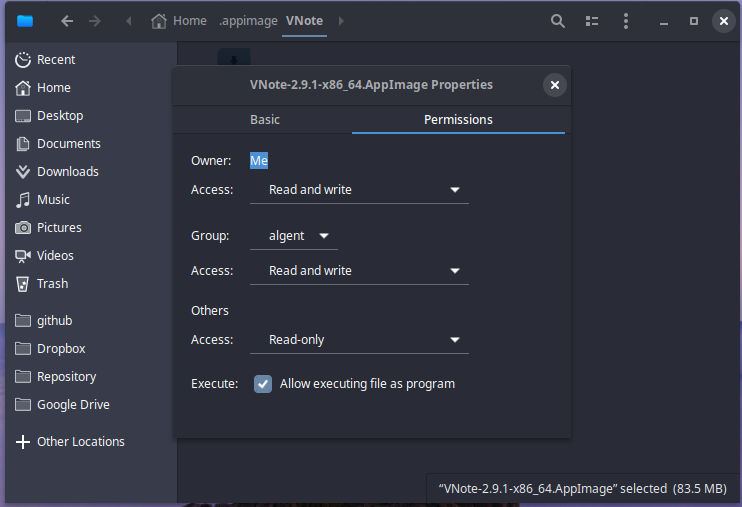
- Make appimaged executable (right-click-> properties)
- run it with
--install option: ./appimaged-x86_64.AppImage --install
- Then move all your appimages to
home/user/Applications. This seems to be the standard, although it is not strictly necessary as it checks other directories as well (check the readme which they are).
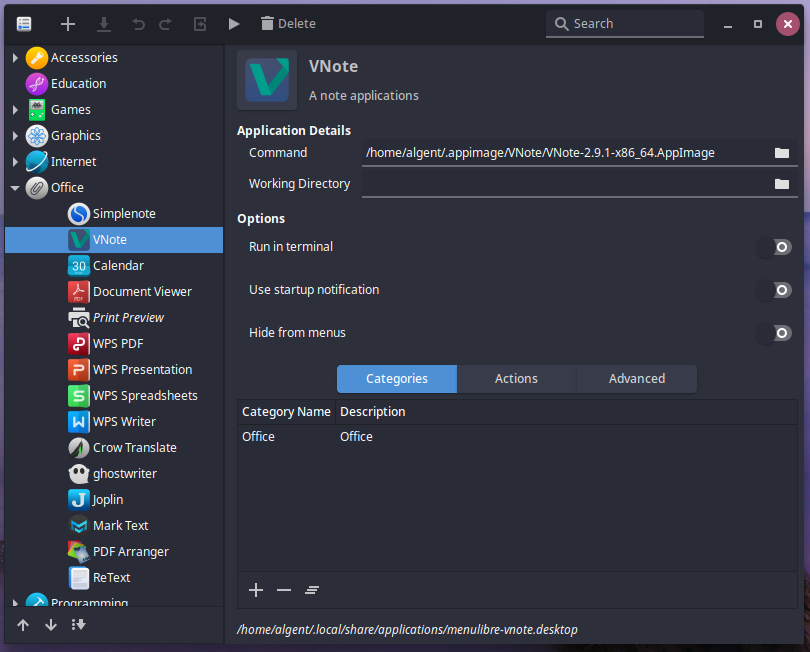
It essentially does what @algent suggested, but all automatically for all appimages it finds. It should do it almost realtime after first launch, but you can always run it again when you see added appimages are not added to the menu automatically.