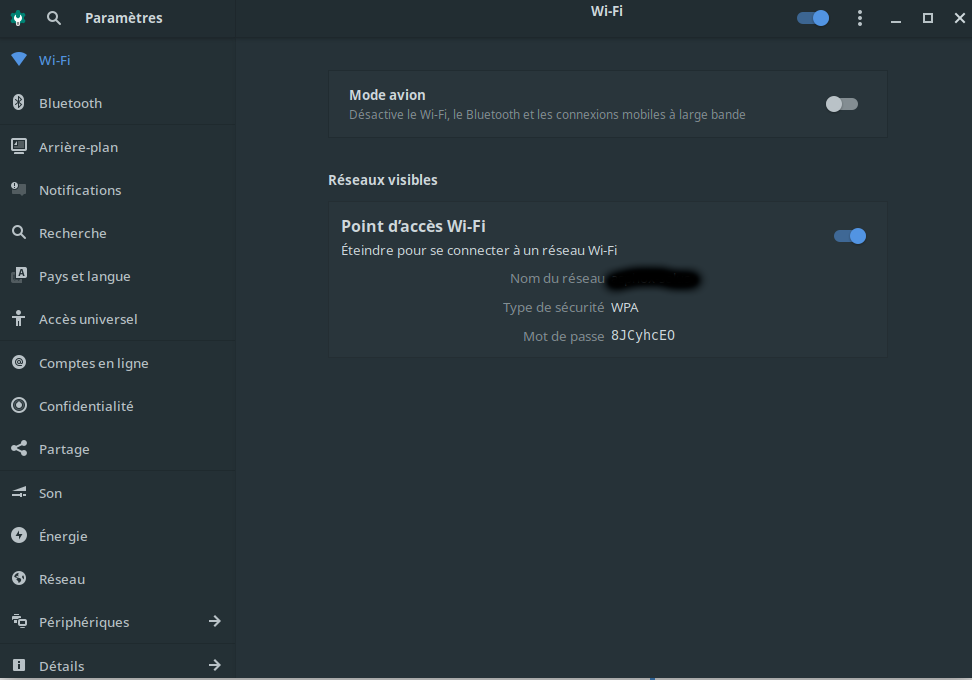
Asphox
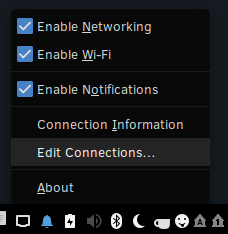
I think I found a way. Right click on the network icon in the tray, and choose "Edit Connections...". In the "Network Connections" window select "Hotspot". Then edit the SSID on the "Wi-Fi" tab and the password on the "Wi-Fi Security" tab and hit save.
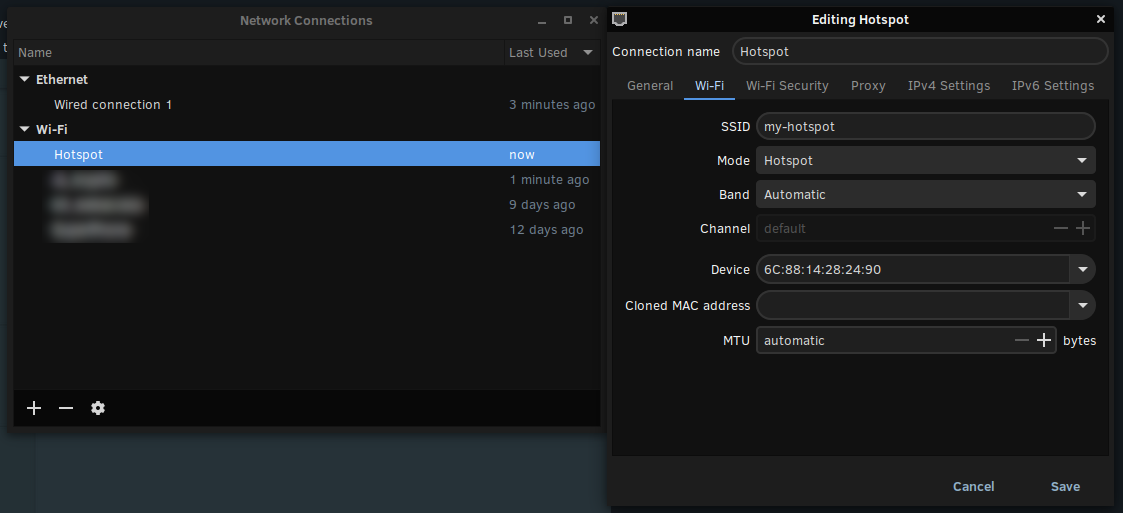
[Edit] In testing it doesn't really seem to change the name (SSID), but the password change seems to stick.
Maybe you have to do the manual editing suggested here: https://www.linuxuprising.com/2018/09/how-to-create-wi-fi-hotspot-in-ubuntu.html, or at least do the restart of NetworkManager.
[Update] So yes it does work if you do the restart of NetworkManager (sudo systemctl restart NetworkManager.service) and the select the "Connect to Hidden Network..." and select "Hotspot" as suggested in the above link.
There's some other ideas here: https://askubuntu.com/questions/897854/how-do-i-change-wi-fi-hotspot-settings-in-ubuntu-gnome-16-04