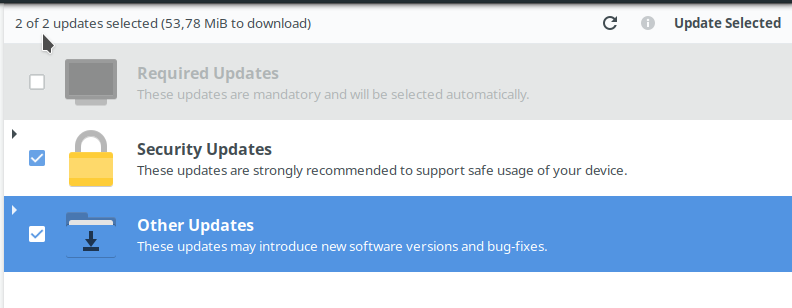
Updates in the Software Center are split between three categories (though Josh is planning to change that in the future):
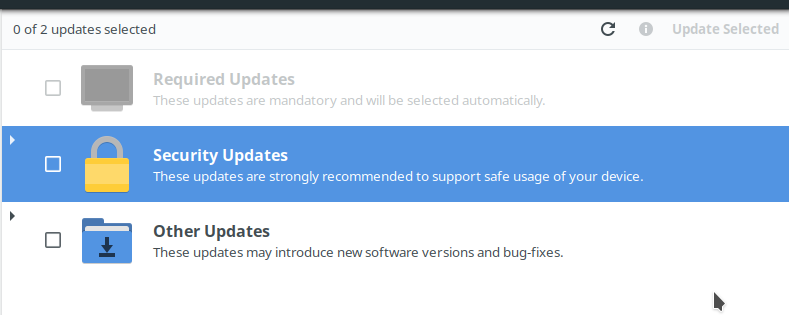
Required updates are absolutely essential and will be updated in any case, no matter which other updates you select.
Security updates, as the name suggests, are updates to packages that contain security fixes.
Other updates are, well, all updates that don't fall into the above two categories.
Unless you have a very good reason not too, you should always update all the packages. You do this by clicking the checkboxes next to the big icons for the different update categories like so:
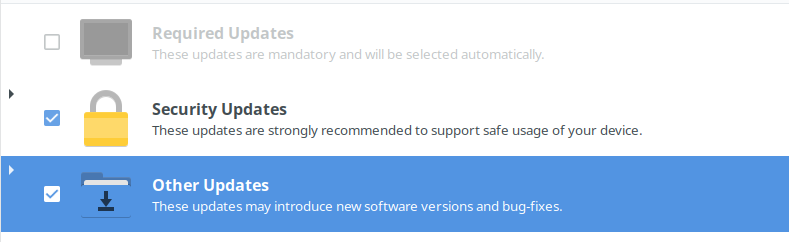
Note that in my case there are no "required updates", but both the "Security updates" and "Other Updates" categories contain package updates. You can check the details, i.e. which packages will get updated, by clicking on the little arrow symbol on the upper left side: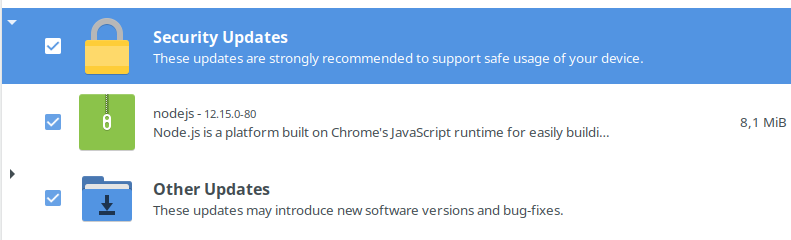
After all that you can start the update process by clicking the "Update selected" button in the upper right corner:
You will be prompted for you password and then the update will start. You can check the progress in the bottom bar: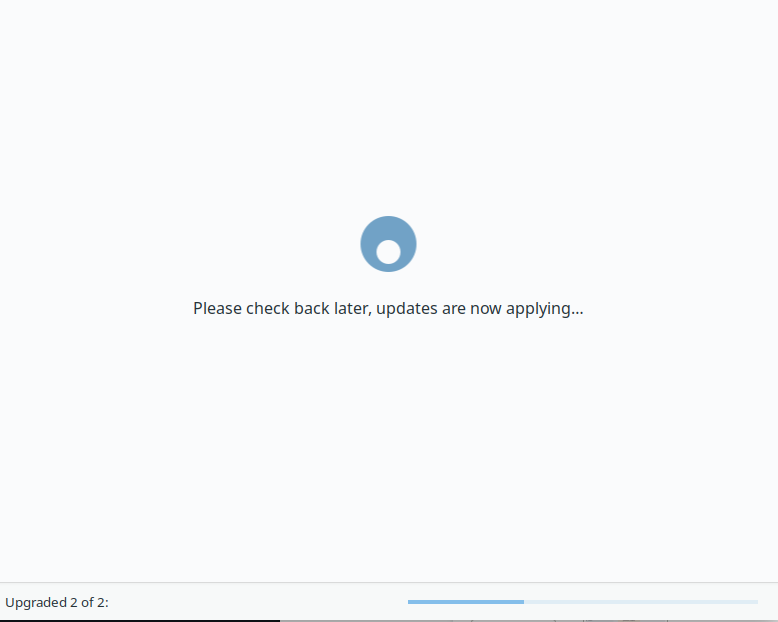
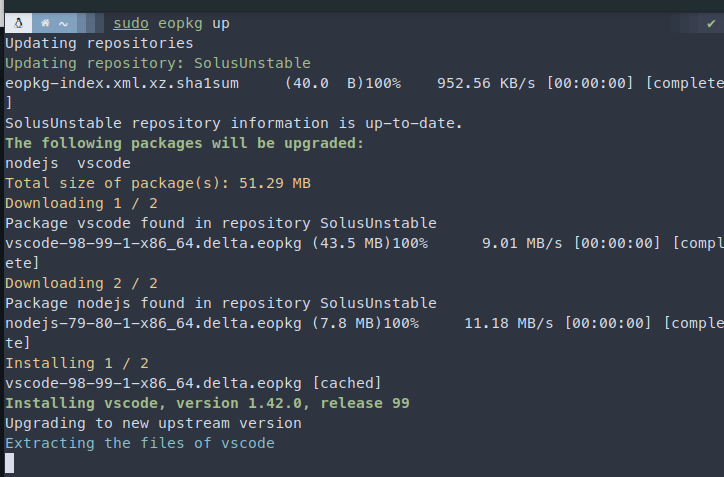
Of course you can also update via the terminal by simply entering sudo eopkg up and confirming with your password: