TarikTarikH That software exist as a snap package.
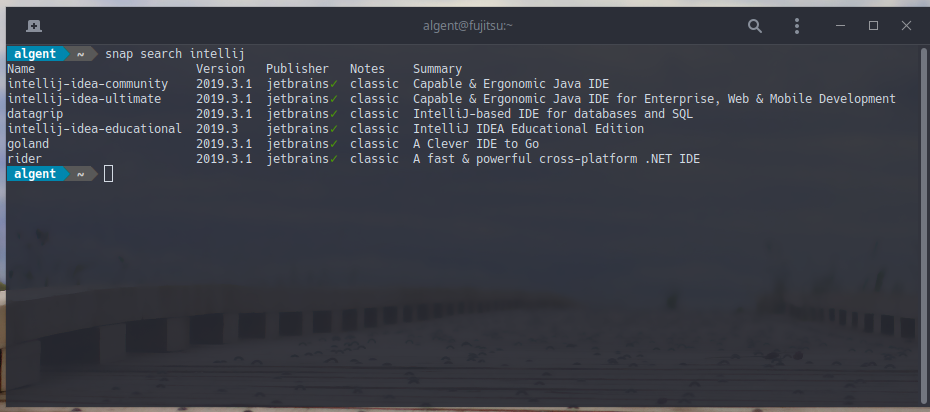
or you can use snap-store to search for it if you don't like to use terminal.
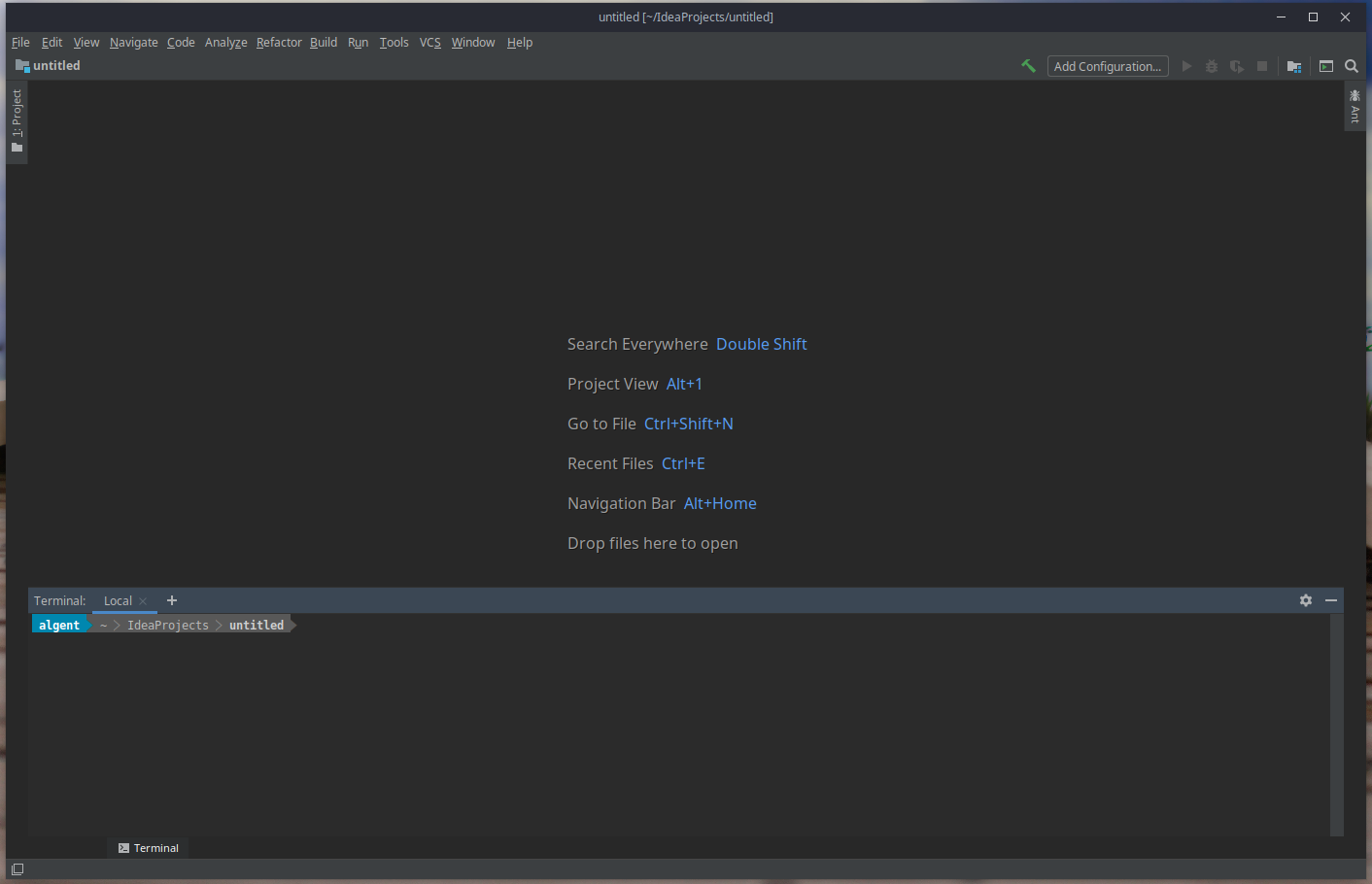
EDIT. I made a test by downloading the community version for their website.
If you want to install it manually, I recommend you to save the extracted folder from tarball in $HOME/.local/share, or create a new directory where you want in your $HOME.
To to the folder ../idea-IC-193.5662.53/bin and run the script form terminal ./idea.sh. Automatically the skript will install this app and will create a launcher in $HOME/.local/share/applications/ the jetbrains-idea-ce.desktop which it will be visible in menu and you can pin it to panel.
With this content:
[Desktop Entry]
Version=1.0
Type=Application
Name=IntelliJ IDEA Community Edition
Icon=/home/algent/test/idea-IC-193.5662.53/bin/idea.svg
Exec="/home/algent/test/idea-IC-193.5662.53/bin/idea.sh" %f
Comment=Capable and Ergonomic IDE for JVM
Categories=Development;IDE;
Terminal=false
StartupWMClass=jetbrains-idea-ce
In my case I created a new directory in $HOME and run the script from there to install it.
See, I think it is running fine