TL;DR (at the end)
UPDATE: At first I didn't think I needed to look at /etc/profile.d because I thought that it contains just bash tools such as auto-completion so I opened /etc/profile (in Fedora) and here's what's inside:
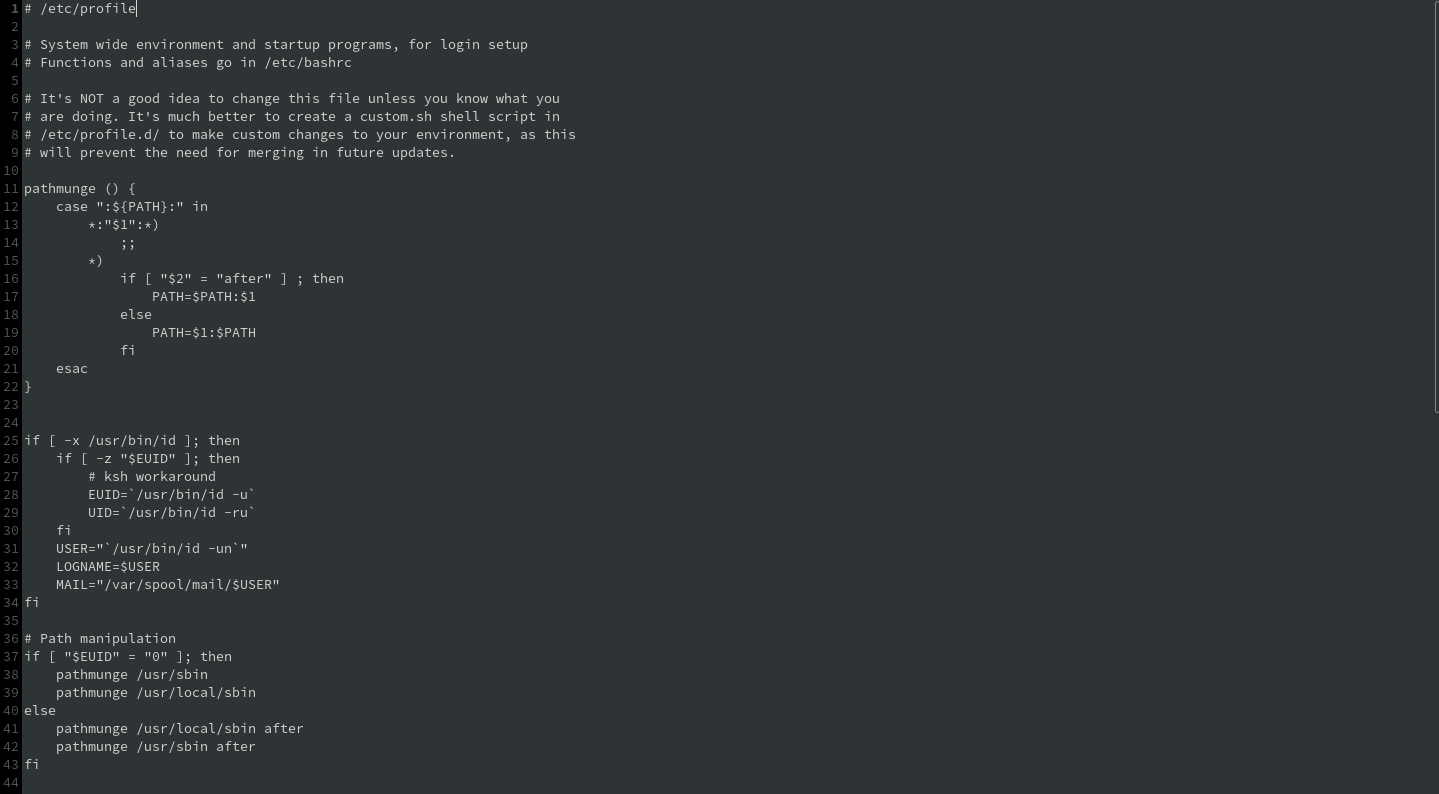

After reading some comments, overall the one in line 3 and the other one from line 6 to 9, I assume that in a certain way there must be some code that executes all the scripts in /etc/profile.d and I found it in lines from 65 to 73.
Then I searched for /etc/profile.d in Solus but I noticed 3 things:
- It doesn't exist
- Solus'
/etc/profile content is different
- Solus'
/etc/profile is a link to another profile file, located in /usr/share/defaults/etc/.
- Looking in
/usr/share/defaults/etc/ I also find a profile.d directory!
Now there are 2 ways to accomplish what I wanted do initially:
- By writing a script in
/usr/share/defaults/etc/profile.d which executes the commands I initially wanted to be executed on login.
- By writing a script in
/usr/share/defaults/etc/profile.d which executes my user's ~/.profile script (only if ~/.bash_profile is not found).
And I'd choose the 2nd one.
TL;DR if you're having this problem the solution is to write a script in /usr/share/defaults/etc/profile.d which executes your home dir's .bash_profile (or .profile) since Solus doesn't have one (PLEASE FIX THIS).
