Hello!
Thanks for the response! 🙂
brent failure rate = 100%. Unusual. Find the one thing you keep doing the same.
Yeah, and that's why I'm asking you about your experience. It's a problem with BIOS rather than with solus installation process in my opinion.
brent I have had to "set master password" in bios to unlock some previously unseen sightings like CSM etc. And another time the CSM was available with a deeper look.
That's some track. I set 'admin password' but there aren't any new tabs in BIOS after restarting BIOS and password verification.
BuzzPCSOS You need a boot disc that has been formatted to boot from, A USB using for instance Ventoy (Linux or Windows setup) or Rufus (Windows setup) or a DVD that has had the Solus iso burnt onto it.
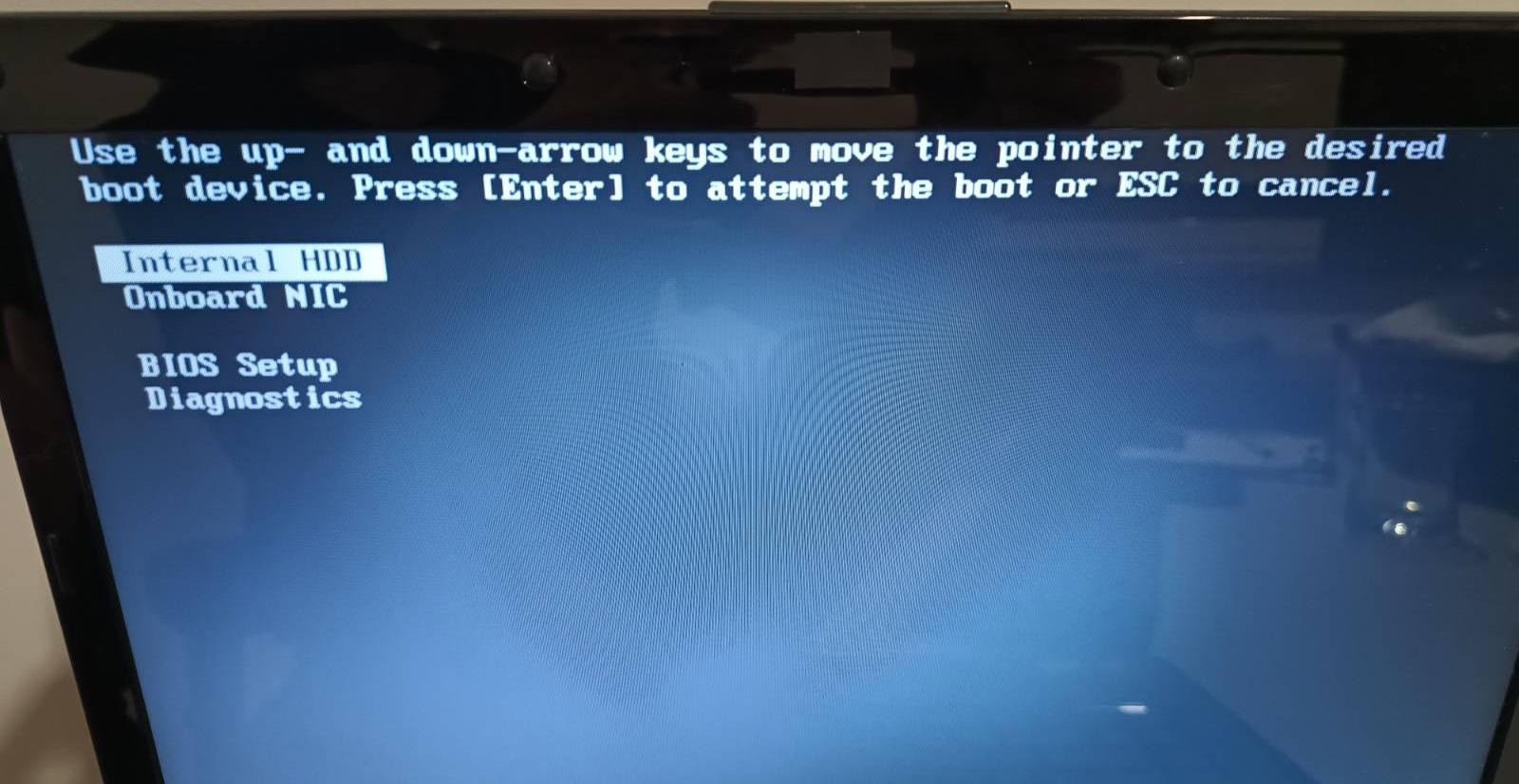
I thought that obvious but... Yes, I have burnt ISO image into USB stick (using gnome-disk-utility - that shouldn't matter) and then chose USB as bootable device. Laptop comes from times when USB sticks were in common use, it's not so old 😉 Solus XFCE works perfectly as a live OS, if you mean that.
Korfou I would also check, perhaps before doing what I wrote above, whether this SSD is recognised by Gparted.
spatial I always installed solus on the freshly formatted disk (using gparted from live image)
Well, I wouldn't be able to format it using Gparted, if it wouldn't be recognizable by Gparted so an answer is: SSD is always recognized by Gparted as well as Calamares.
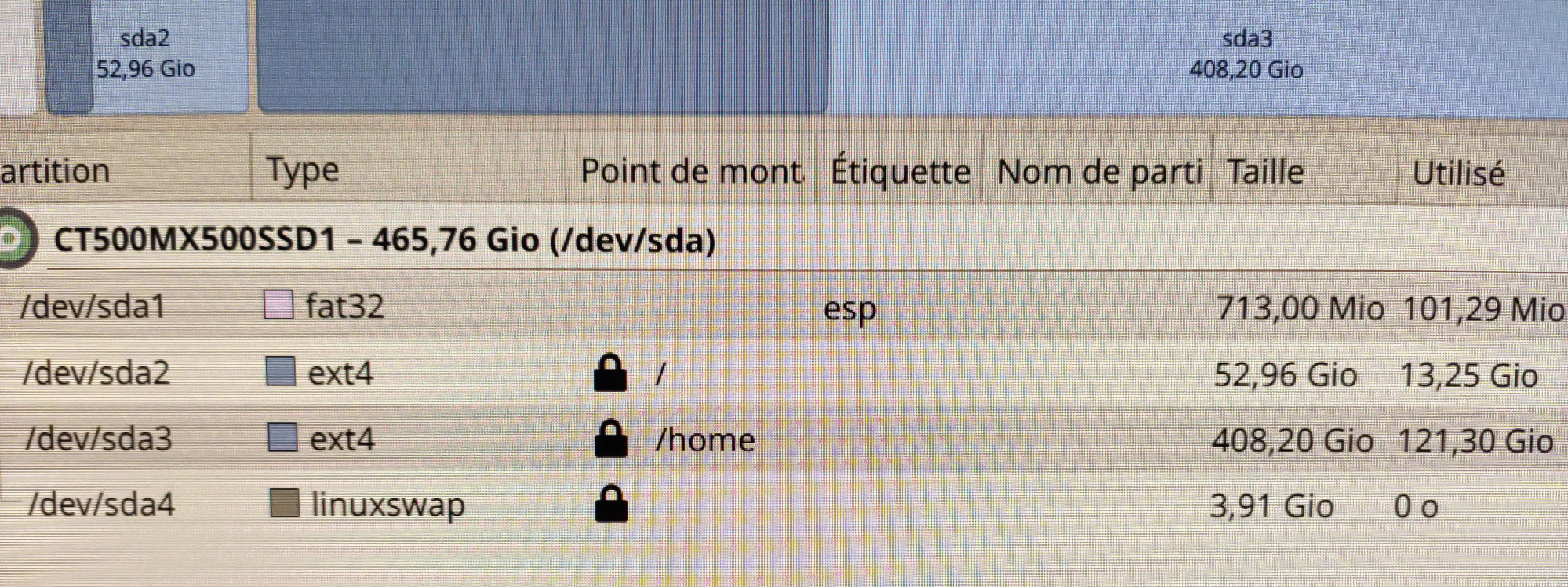
Have a look at the drives are recognized by Gparted:
HDD
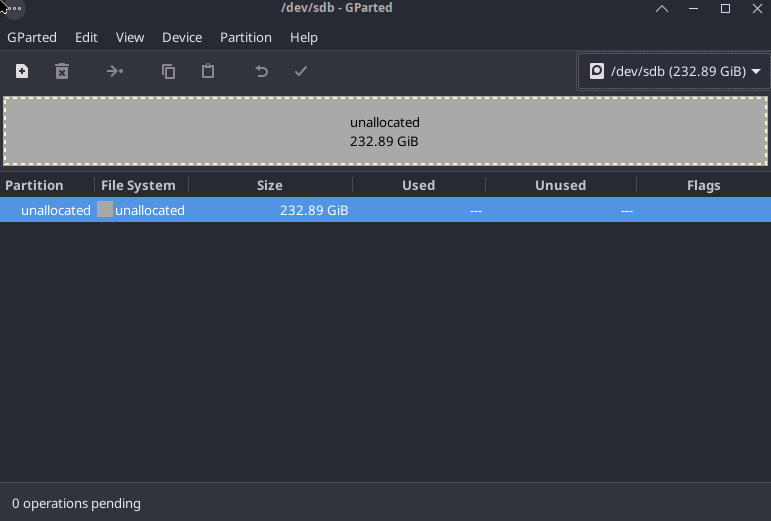
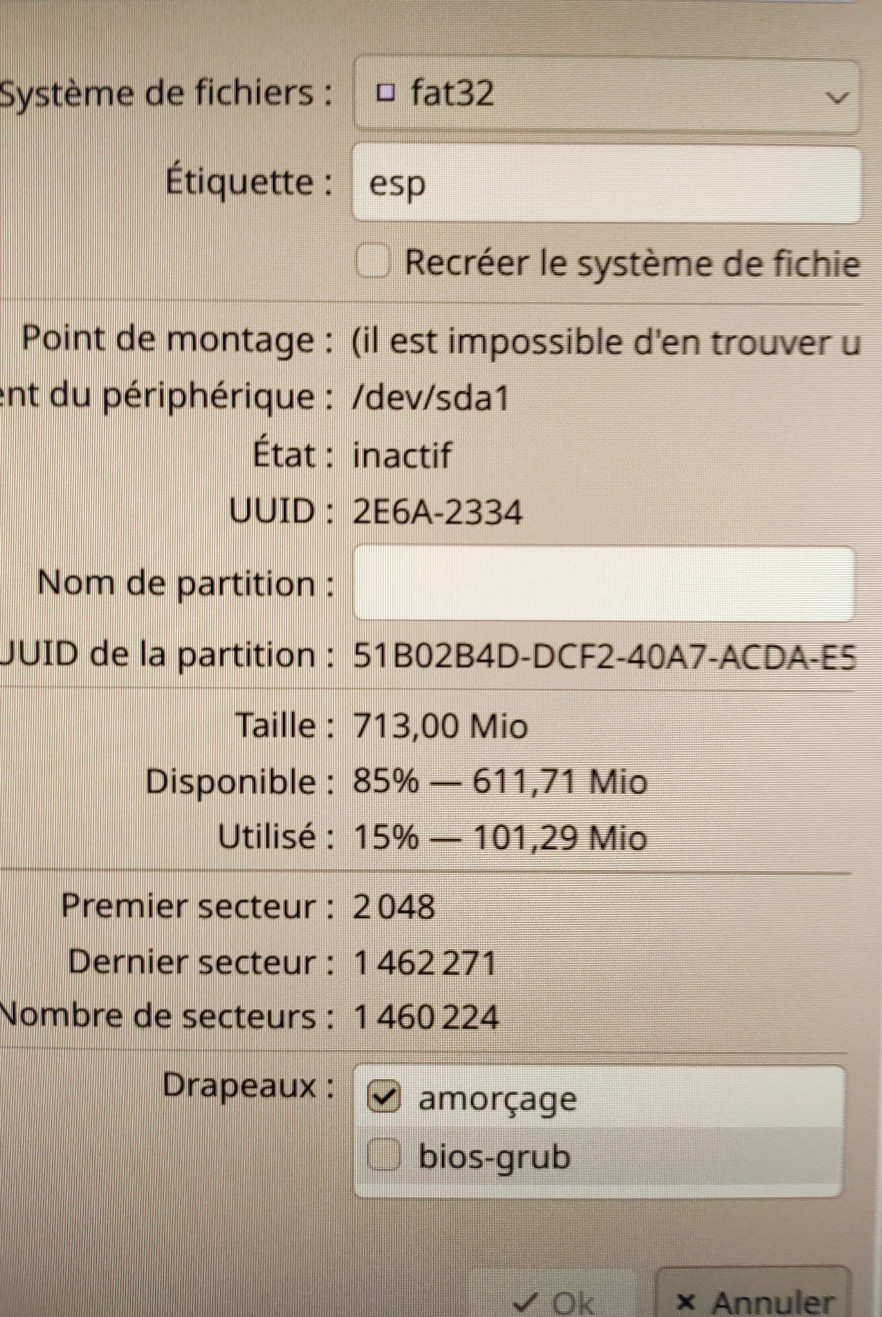
and SSD. This screenshot shows some of previous installation using "erase disk" option (don't remember others). When I was changing bootloader location to /boot then, I was getting error during the installation, that's what I remember at the moment.
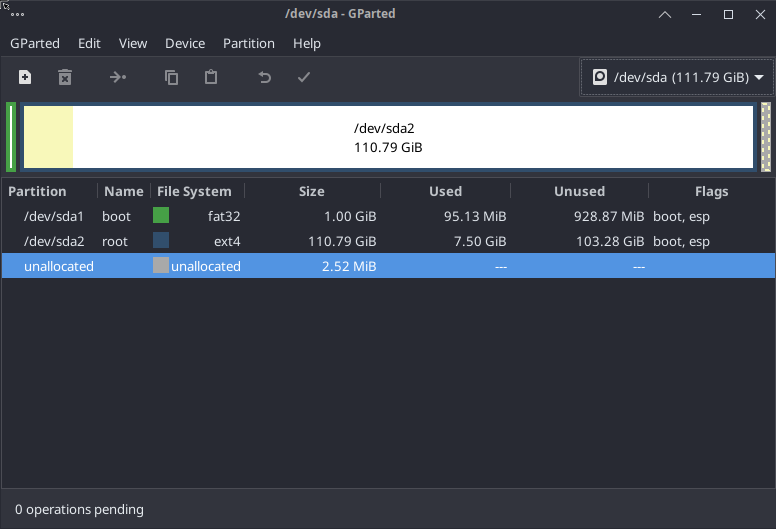
Here you can see "typical non-bootable" installation with MBR partitioning and leaving solus to assign all of the disk space.
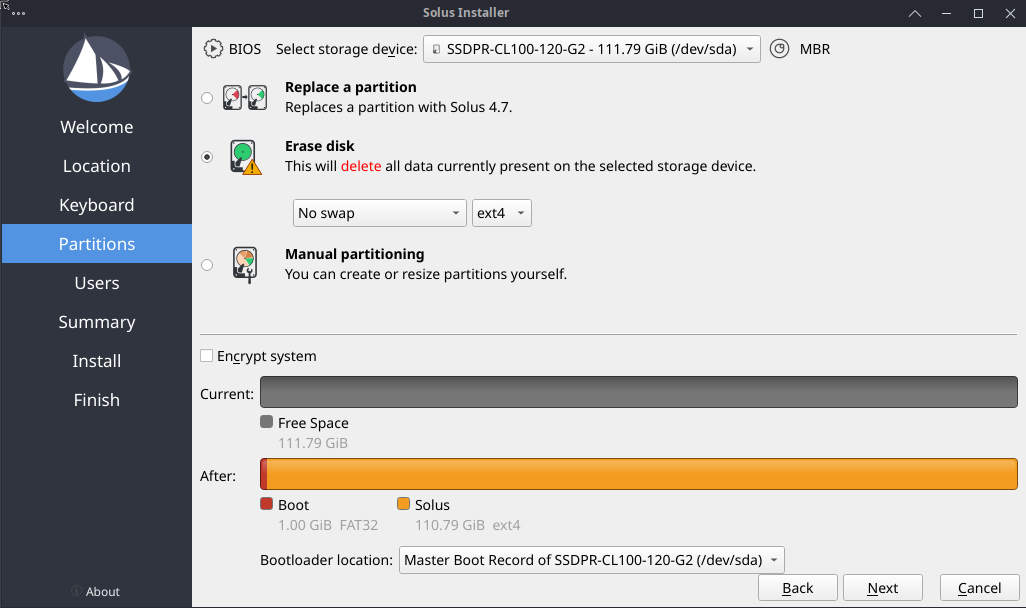
BuzzPCSOS Discussion regarding this kind of problem was also discussed here
That's interesting trace! Probably the issue @brent has mentioned in this thread.
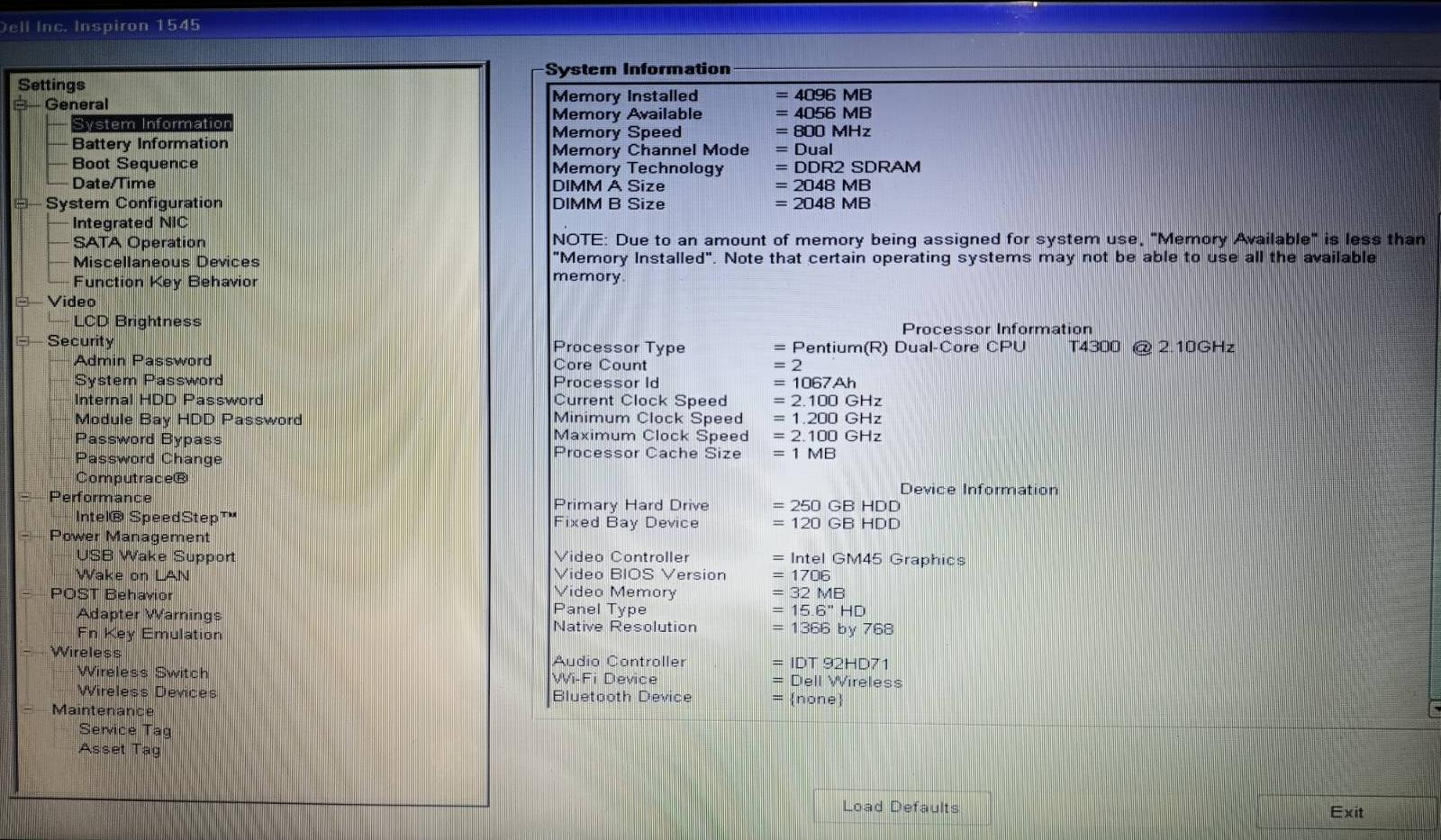
Regarding this, I must underline: I can't see Secure Boot or CSM anywhere in my BIOS.
brent Also, it could be as easy as you not using the DVD bay for your SSD. The place where you power it may be sequenced independent of BIOS. Unplug WIN, use it's slot. dont look back.
Korfou Personally, I would remove this HDD and put the SSD in this bay.
I'm going to exchange them, I've already ordered spacer to make SSD a bit higher to fit in the original HDD bay.
So you can ask: what is this whole discussion about?
I have been using exactly same model of laptop with the same configuration for many years: SSD in the DVD bay with reinstalled windows 7 on it and HDD in the original bay. Now I'm gonna breathe new life called Solus in some other copy of that laptop 🙂