EbonJaeger @ReillyBrogan
KEYRING-issue: VIVALDI-browser: SEAHORSE: Budgie gnome-keyring: latest update:
after 10 hours of trying out everything my Vivaldi still does NOT work.
and i dont have any more time for it, because i was loosing too much time already...
in worst case i need to purge and re-install and re-setup Vivaldi on 4 different computers.
here is my theorie and QUESTIONS:
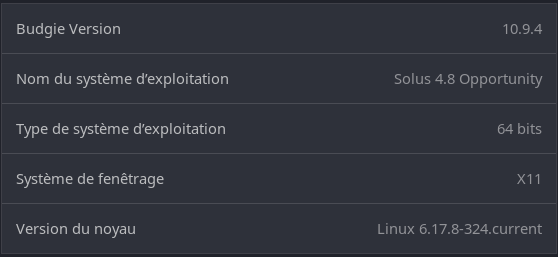
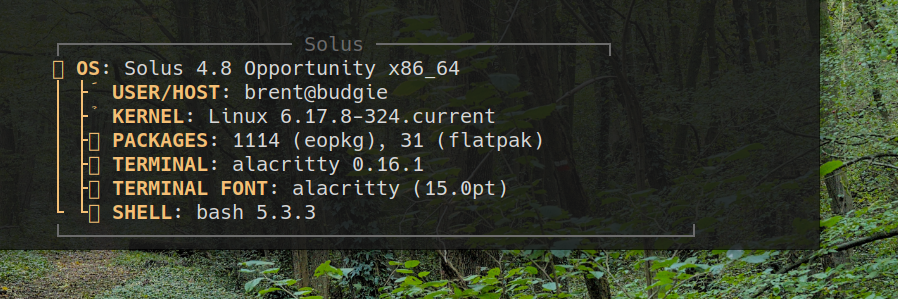
desk: Solus-Budgie
1,5 years ago i had installed VIVALDI-browser from Solus-softwarecenter (NOT from Github).
i did not install any other Chromium-browsers.
i have 2 user accounts: one administrator, one standard user.
NO auto-login.
the standard user is where i use Vivaldi (not the administrator).
latest update: after login as standard-user i launched VIVALDI and it started with a message:
"Unlock Login Keyring: Authentification required: The login keyring did not get unlocked when you logged into your computer."
i guess it was locked due to the lastest update of SEAHORSE or Budgie gnome-keyring.
Somehow i think to remember this has already happened once after the updates within the last 1,5 years of my usage.
CORRECT WAY: do NOT type your password into Vivaldis request. Cancel the request and Quit Vivaldi. Launch SEAHORSE and UNLOCK the keyring with your password manually. Quit Seahorse. the updated Vivaldi should launch without issues after that.
but this time i did the WRONG WAY: i typed my correct standard-user-password into Vivaldis request, and that did NOT work. when launching VIVALDI i get the recurring error message:
"Vivaldi could not unlock your (gnome-) keyring. Without keyring you will loose your saved logins, Cookies, and functionalities like Sync, mail or calendar. Please unlock or repair your keyring, and afterwards try to launch Vivadi again".
that means: even all settings are lost. even with computer shutdown and reboot i get the same errors.
Tried running seahorse, right-click the login keyring, change its password to blank, then log out/in and restart Vivaldi did NOT work.
Tried running seahorse, change its password to my login password, then log out/in and restart Vivaldi did NOT work.
Tried running seahorse, change the password to my login password of the very first installation did NOT work.
Tried running seahorse, locking and unlocking keyring, and restart Vivaldi did NOT work.
This error seems to be saved somewhere hidden in VIVALDIs standard-user directories .config or .cache and blocks every new try to launch it.
QUESTION 1: is there an easy way to get rid of this blockage by editing or deleting a config-file?
apart from Vivaldi i did NOT have any other chromium-based browser installed.
in SEAHORSE i have 4 entries:
one "Application key for com.vivaldi.Vivaldi"
one "Chrome Safe Storage"
one "Chrome Safe Storage Control"
one WITHOUT NAME/description
the 3 entries for Vivaldi+Chrome seem to have occured over the last 1,5 years.
QUESTION 2: should there only be the one "Chrome Safe Storage" entry for Vivaldi?
QUESTION 3: in SEAHORSE should i remove "Chrome Safe Storage Control" and "Application key for com.vivaldi.Vivaldi"
QUESTION 4: i dont know where the one WITHOUT NAME/description comes from. how can i find out and shall i remove it?
in worst case i need to purge and re-install and re-setup Vivaldi on 4 different computers (takes a few hours with its huge amount of browser-settings).
QUESTION 5: will all those SEAHORSE-entries be automatically removed when purging Vivaldi?
many thanks for any help!