linny
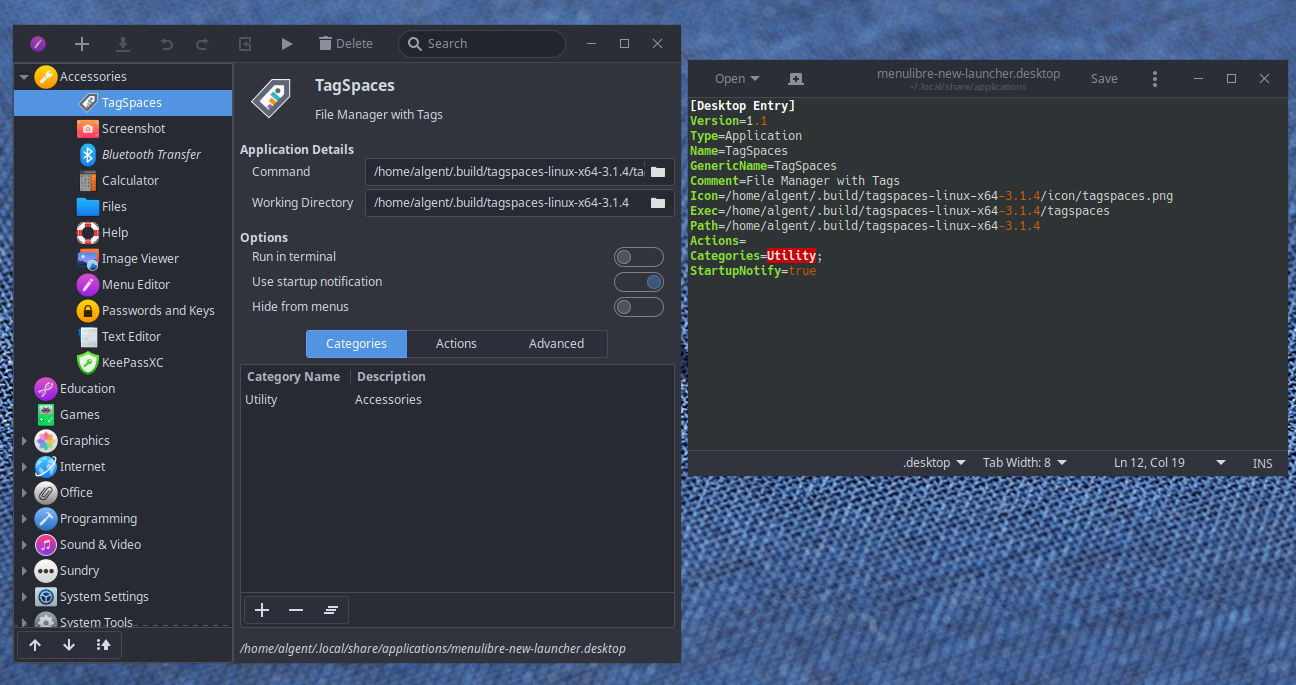
To create a Menu Entry with an icon
Download TagSpace icon 512x512
Rename the icon tagspaces.png and move it on tagspaces-linux-x64-3.1.4 folder
There are more here
Go to /home/<user>/.local/share/applications/ (<user> should be your username) and create there a new file with name tagspaces.desktop
Open it and write these lines:
[Desktop Entry]
Name=TagSpaces
Exec=/home/<user>/<.build>/tagspaces-linux-x64-3.1.4/tagspaces
Icon=/home/<user>/<.build>/tagspaces-linux-x64-3.1.4/tagspaces.png
Comment=TagSpaces File Manager
Type=Application
Terminal=false
Encoding=UTF-8
Categories=GTK;Utility
In my case i placed tagspaces-linux-x64-3.1.4 in .build folder that i have created before. Remove <.build> if you have places tagspaces folder in $HOME or edit if you placed it elsewhere.
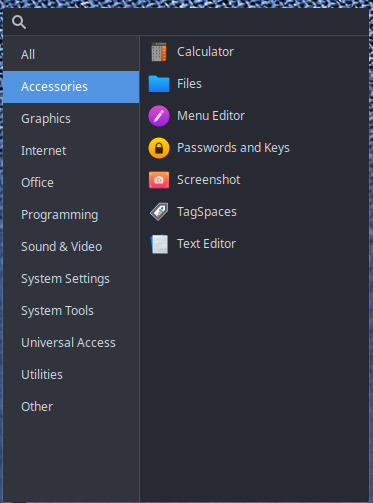
Edit: Added a tittle